She greets them
The lock screen shows Lumi with today’s quiz — no cold rejection.
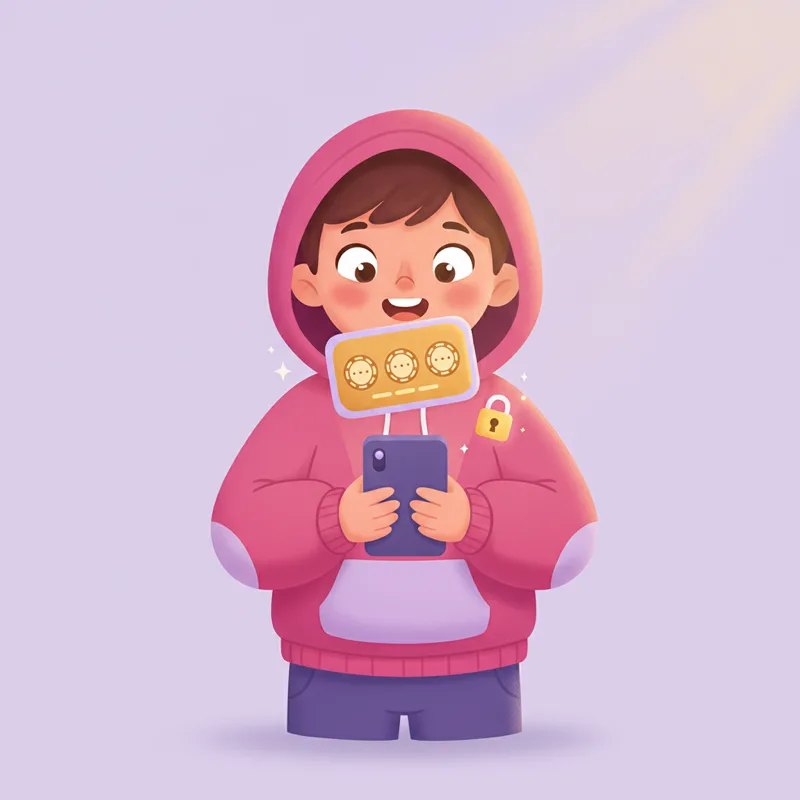
Unlokid locks the apps you choose on your kid's phone. A short quiz aligned with their grade unlocks screen time.
“My 8-year-old asks for the quiz before TikTok now. I never thought I’d type that sentence.”
Turn Instagram or YouTube into a reason to learn, not a reason to fight.

Your kid answers a few questions in a school subject you picked, and unlocks the apps they wanted.
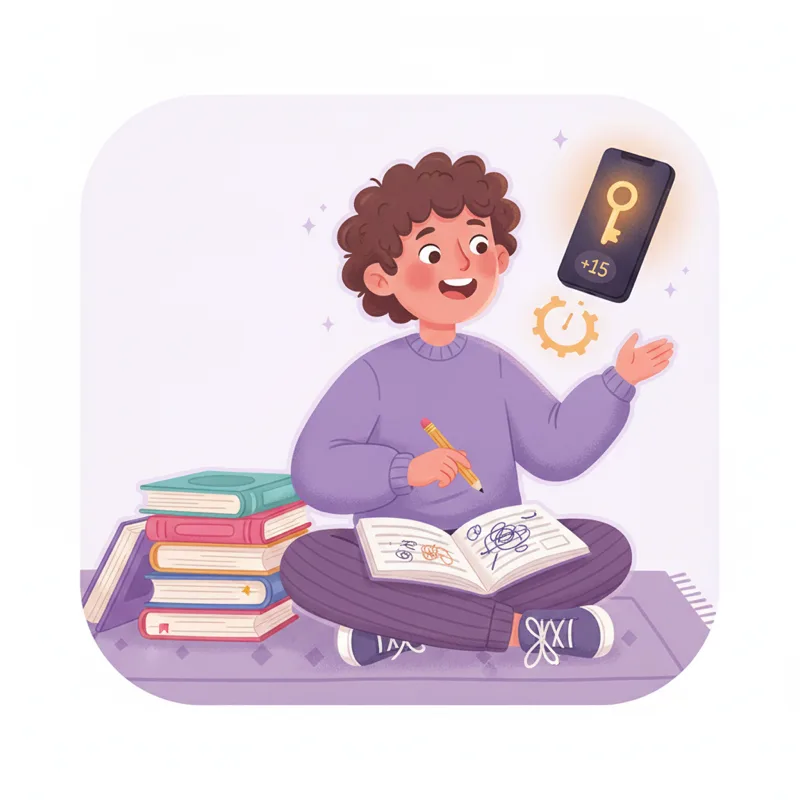
Games and social behind the quiz. Messages and calls stay open.
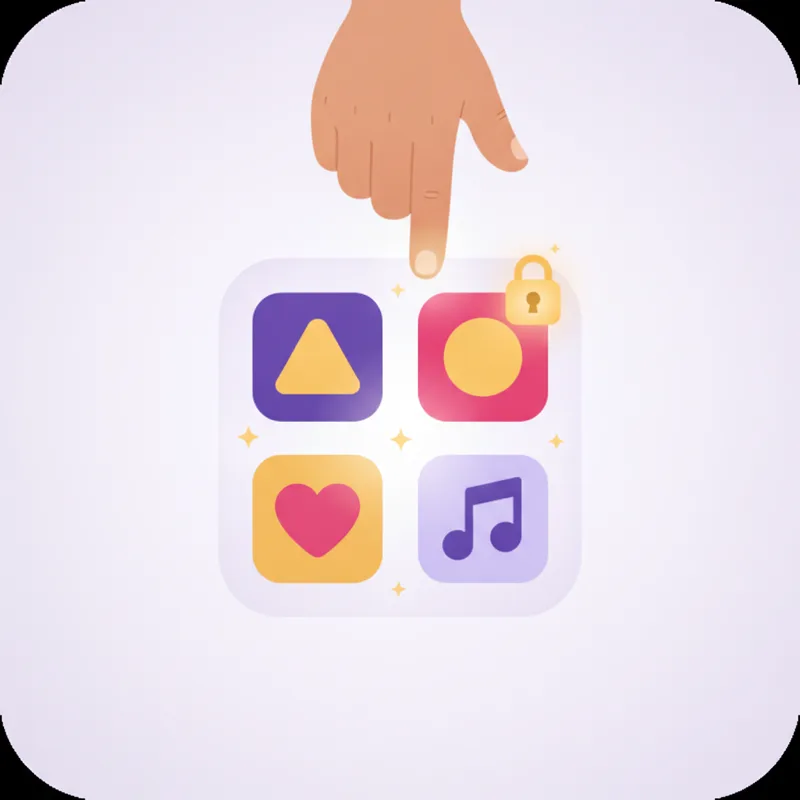
Aligned with the subjects and level your kid is already learning in class.

iPhone, Android and the web dashboard — one setup, one view.

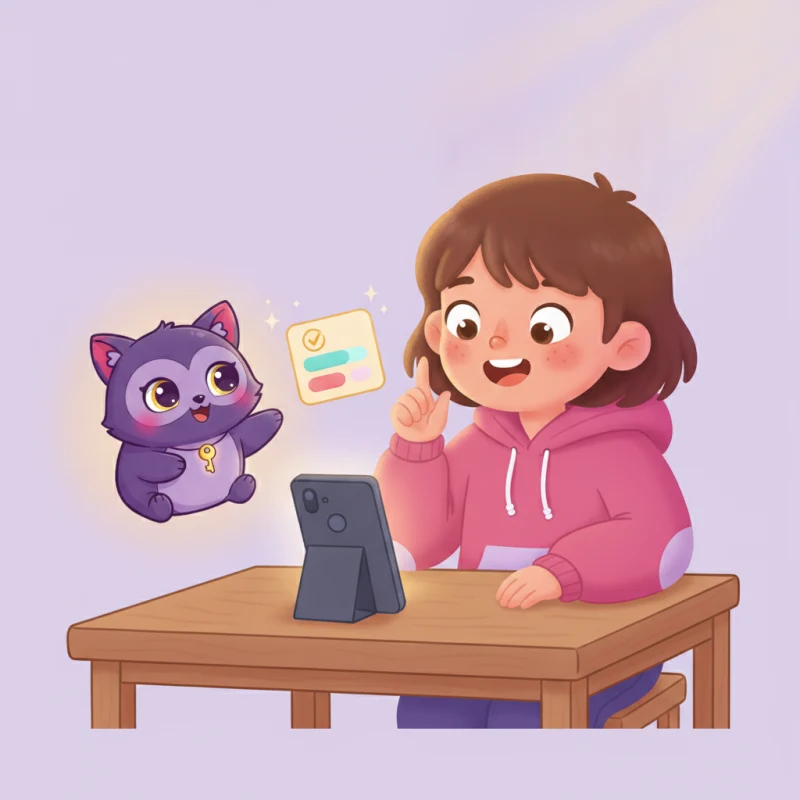
Lumi is the little coach inside the app — she asks the questions and cheers every win. Same face on the launcher, on the quiz, on the win screen.
The lock screen shows Lumi with today’s quiz — no cold rejection.
Every quiz narrated in your kid’s language. Feels like a chat, not a test.
A pass unlocks the apps and Lumi cheers on the same screen.
Add your own topics to any subject. Write a detailed goal in plain language; Unlokid creates fresh quizzes that match. No fixed catalogue, no memorizing the same questions.
“Fairly hard CM2-level fraction word problems”
“Train present progressive — give a verb; the kid writes it in the present progressive”
“Roald Dahl–style adventure stories at 4th-grade level”
Works for built-in subjects and custom subjects you create in the parent dashboard.
“We type exactly what we want them to practice — fraction word problems, present progressive — and the quizzes match. No fighting over TikTok.”
“The curriculum topics are great, but the custom topics are why we stayed. Exam week = we add topics from school.”
“Finally an app that does one job well: learn first, scroll second. We use Family Link for web safety and Unlokid for the quiz gate.”
Quiz topics are not random trivia. Where a country publishes an official curriculum or standards API, we connect to it. Everywhere else we ship a hand-mapped catalog aligned to that country’s ministry guidelines — never a generic “AI guess” without saying so.
National programmes for primary and secondary — via the open data portal data.education.gouv.fr.
Units aligned to the National Curriculum for England — via the Oak Open API.
Math and English Language Arts standards by grade — via the public CSP API.
Topic chips mapped to official math, Hebrew, science and humanities programmes for each grade band.
Curated topics aligned to the KMK standards and state curricula (Primar- and Sekundarstufe).
Topics aligned to the national LOMLOE framework (Educación Primaria and ESO).
Grade-band topics mapped to the national Indicazioni for scuola primaria and secondaria.
Topic catalog aligned to the Portuguese national curriculum by cycle.
Other supported countries (Canada, Australia, Belgium, Brazil, Mexico, Saudi Arabia, and more) use grade-aligned topic catalogs. Brazil’s BNCC catalog is in active development.
Source names and links are maintained as ministries update their programmes. Custom topics you add are always separate — you describe the goal, Unlokid generates fresh quizzes to match.
Unlokid is in private beta. Leave your email and we'll send you a download link and setup steps as we open up new spots.
We use Android's Accessibility Service + Device Admin together — the kid would have to be very determined. You'll get email alerts if they try to uninstall or disable admin (when enabled below). We also block screenshots during quizzes.
Topics come from official curriculum data where it exists — France (data.education.gouv.fr / Eduscol), the UK (Oak National Academy · National Curriculum), the US (Common Core), and ministry-aligned catalogs for Israel, Germany, Spain, Italy and other countries. Answers are graded against a rubric, not just right/wrong. You can flag any question from the parent dashboard and it will not appear again.
Quizzes are pre-generated and cached on the device, so the kid can pass a quiz with intermittent connectivity. New quizzes need a brief online window.
Not yet. Apple doesn't expose the APIs we need to lock other apps. Android only for now.
We keep quiz results and your child’s answers in your account so you can review progress in the dashboard. We do not sell personal data. Trusted providers (hosting, authentication, payments, email, and grading) process data only on our behalf. You can export or delete household data under Account → Privacy & data. See our privacy policy.
No — and that's deliberate. Web content filtering (adult, violence, gambling) is its own specialized field, and dedicated tools like Google Family Link, your broadband provider's filter, or a family DNS do it far better than any app whose real focus is something else. Safety filtering is too important to ship as a half-finished side feature. Unlokid is built to do one thing exceptionally well: turn screen time into learning by gating apps behind quizzes grounded in your child's curriculum. It layers perfectly on top of a proper content filter — use a true parental-control app to decide what to block on the web, and Unlokid for how your child earns their app time back. An app that claims to do both rarely does either well.
Yes. On any subject, add a topic in your own words — for example "fairly hard fraction word problems at CM2 level" or "present progressive: give a verb, kid writes the -ing form". Unlokid generates fresh exercises that match. You can also create fully custom subjects with the guided wizard (text, links, or PDFs optional).
Yes. In your child's settings, enable quiet hours (e.g. no unlocks after 9 p.m. on school nights). During those windows, blocked apps stay gated even if your child still has minutes in their bank.
Set it up tonight. Tomorrow morning, your kid earns their first unlock — and their first win.
Start your 7-day trial